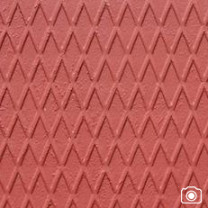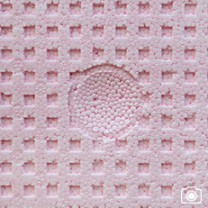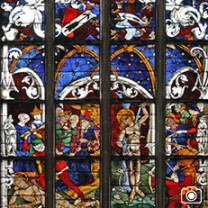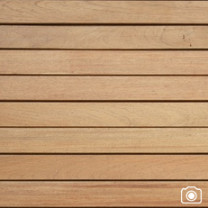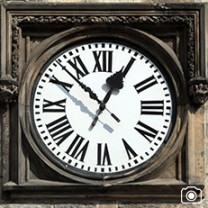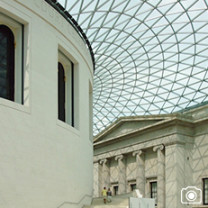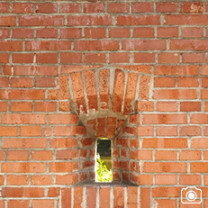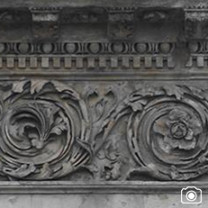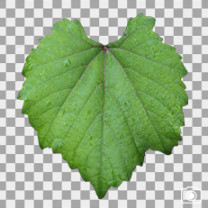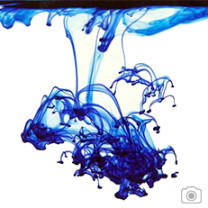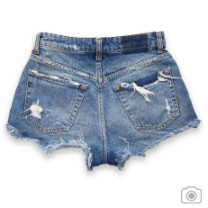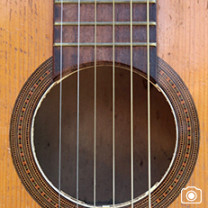
High-Resolution Environment Textures, HDRIs and PBR Materials
Explore a professional library of environment textures for 3D artists, game developers, VFX teams, architects and concept artists. Browse real-world surfaces, landscapes, architectural details, HDR backgrounds, HDRIs, decals, seamless textures and PBR materials for realistic digital environments.
Use the visual categories above to quickly find the right reference or material for Blender, Unreal Engine, Unity, Maya, 3ds Max, Substance 3D, architectural visualization and other production workflows.
Browse Environment Textures by Category
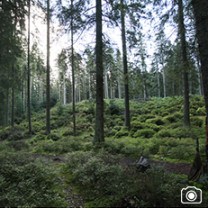
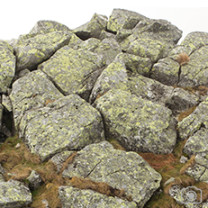
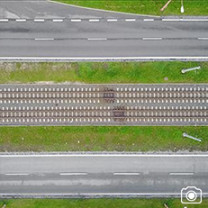
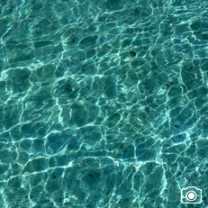
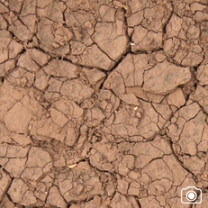
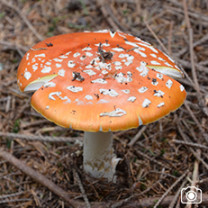
• Natural environments: landscapes, grounds, rocks, soil, water, skies, nature and animal surfaces.
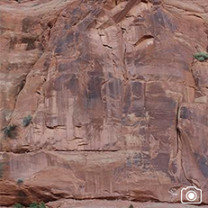
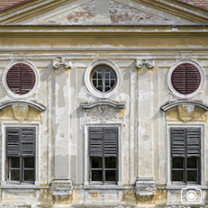
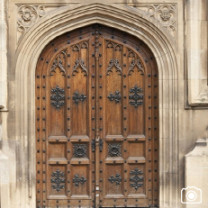
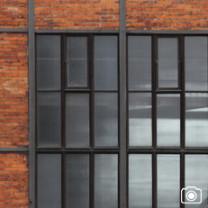
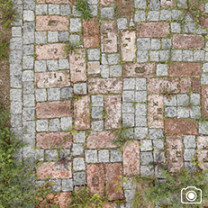
• Architectural materials: concrete, marble, metal, plastic, glass, wood, walls, floors, doors, windows and ornaments.
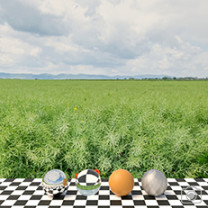
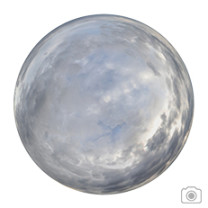
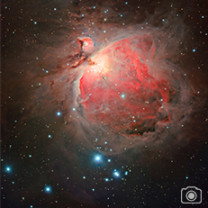
• Environment lighting: HDR backgrounds, HDRIs, skies and panoramic world references.
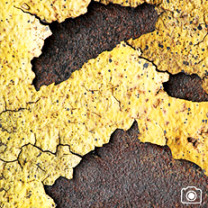
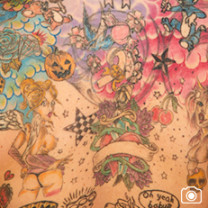
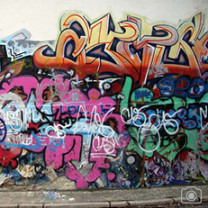
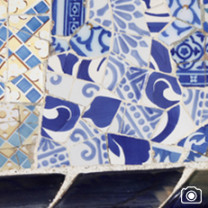
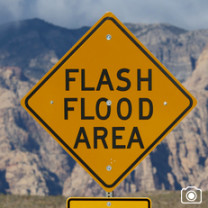
• Surface details: graffiti, grunge, splatters, tiles, decals, ink, signs, scrap and damaged materials.
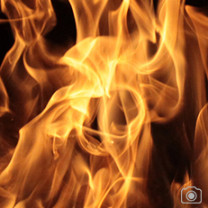
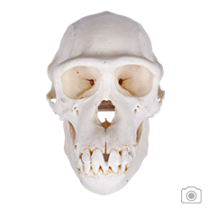
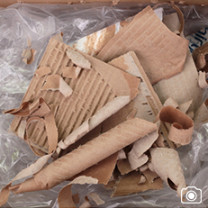
• Production resources: fabric, vehicles, food, paper, man-made objects, weapons and reference photography.
• Material libraries: seamless textures, Substance materials and PBR textures for modern rendering pipelines.
PBR Textures, Seamless Materials and HDRI Environments
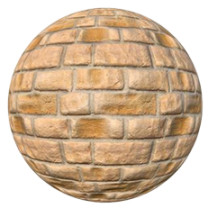
The library includes materials for surfaces such as asphalt, concrete, fabric, floors, metal, organic matter, paper, rock, snow, soil, tiles, walls and wood. Seamless textures are useful for covering larger areas without visible repetition, while PBR and Substance materials support physically based shading and editable material workflows.
HDRIs and panoramic backgrounds can be used for image-based lighting, reflections and scene integration. Decals, stains, cracks, graffiti, rust and grunge help add wear, history and believable surface variation to buildings, props, roads and game environments.
Textures for Games, VFX and Architectural Visualization
These resources are suitable for environment art, world building, matte painting, photobashing, game levels, cinematic scenes, product visualization and architectural rendering. Depending on the selected asset, you may find source photography, tileable textures, panoramas or material packages.
Check the individual product page for the exact resolution, maps, file formats and included content before downloading.
How to Find the Right Texture
1. Choose a visual category above, such as rocks, wood, metal, water, HDRI, decals or PBR textures.
2. Use the search and category filters to narrow the library by material, surface or environment type.
3. Open a set to review its resolution, views, maps and formats.
4. Save suitable assets to your wishlist or basket for later production use.
Explore More Environment Resources